Now available on iOS
A travel journal made for Japan.
Log ryokan stays, restaurants, and attractions on a map-first home screen. Turn highlights into shareable itinerary cards.
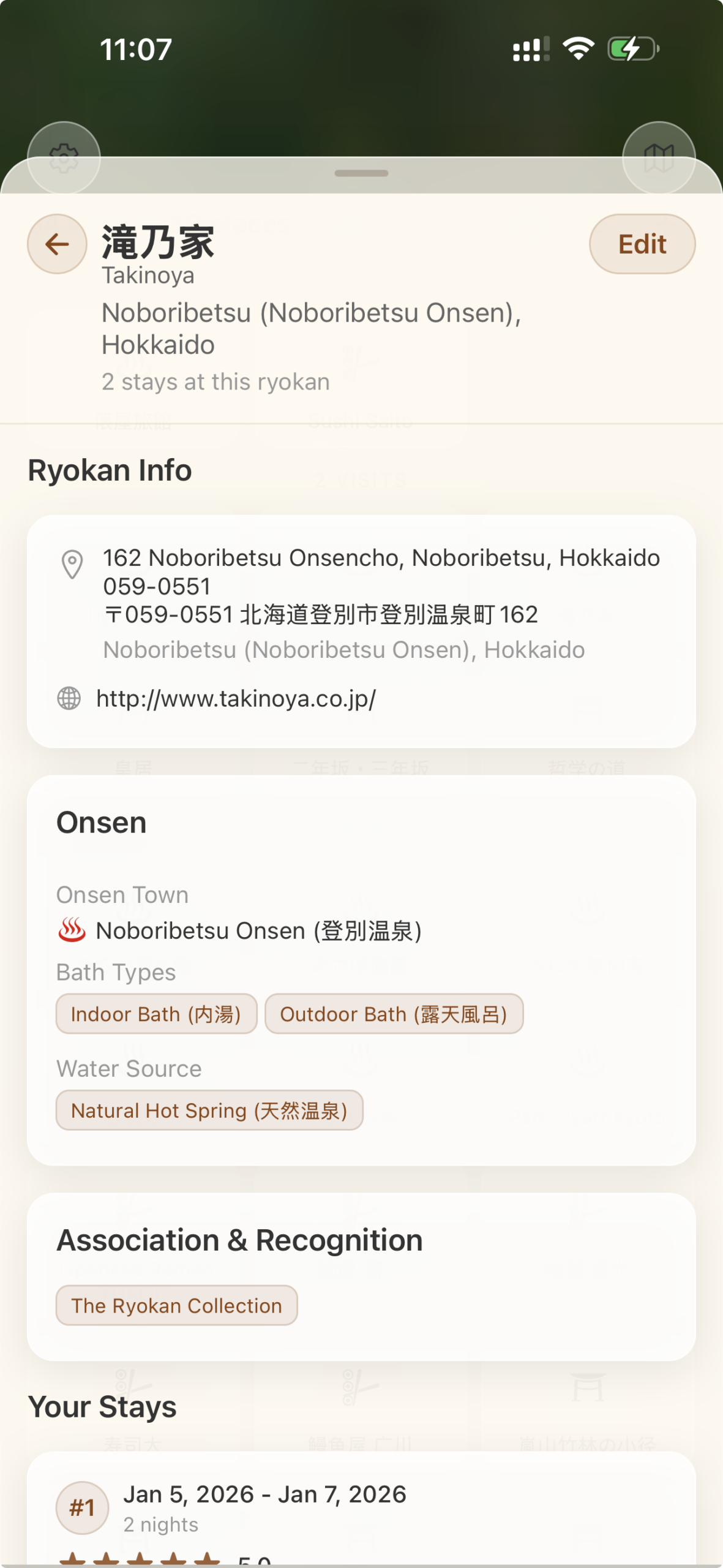
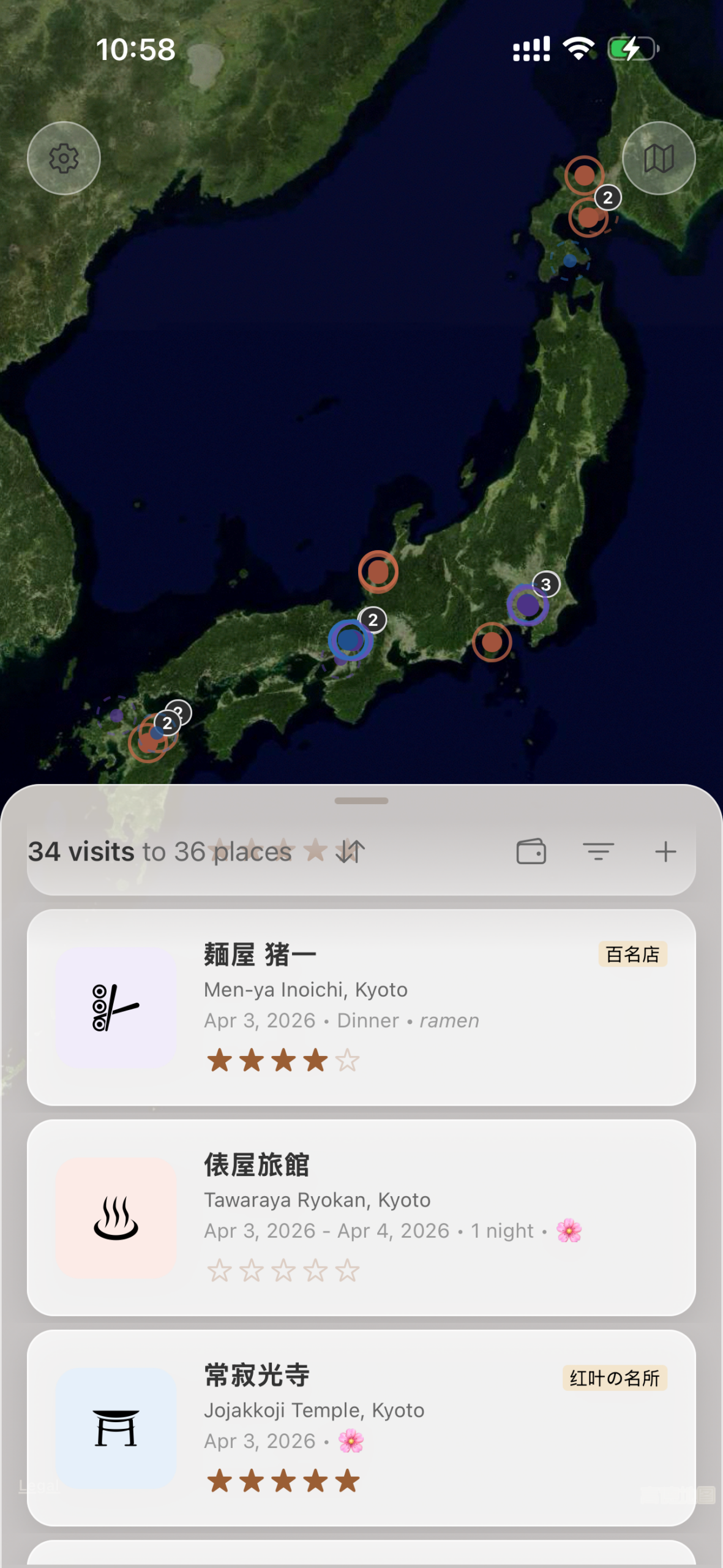
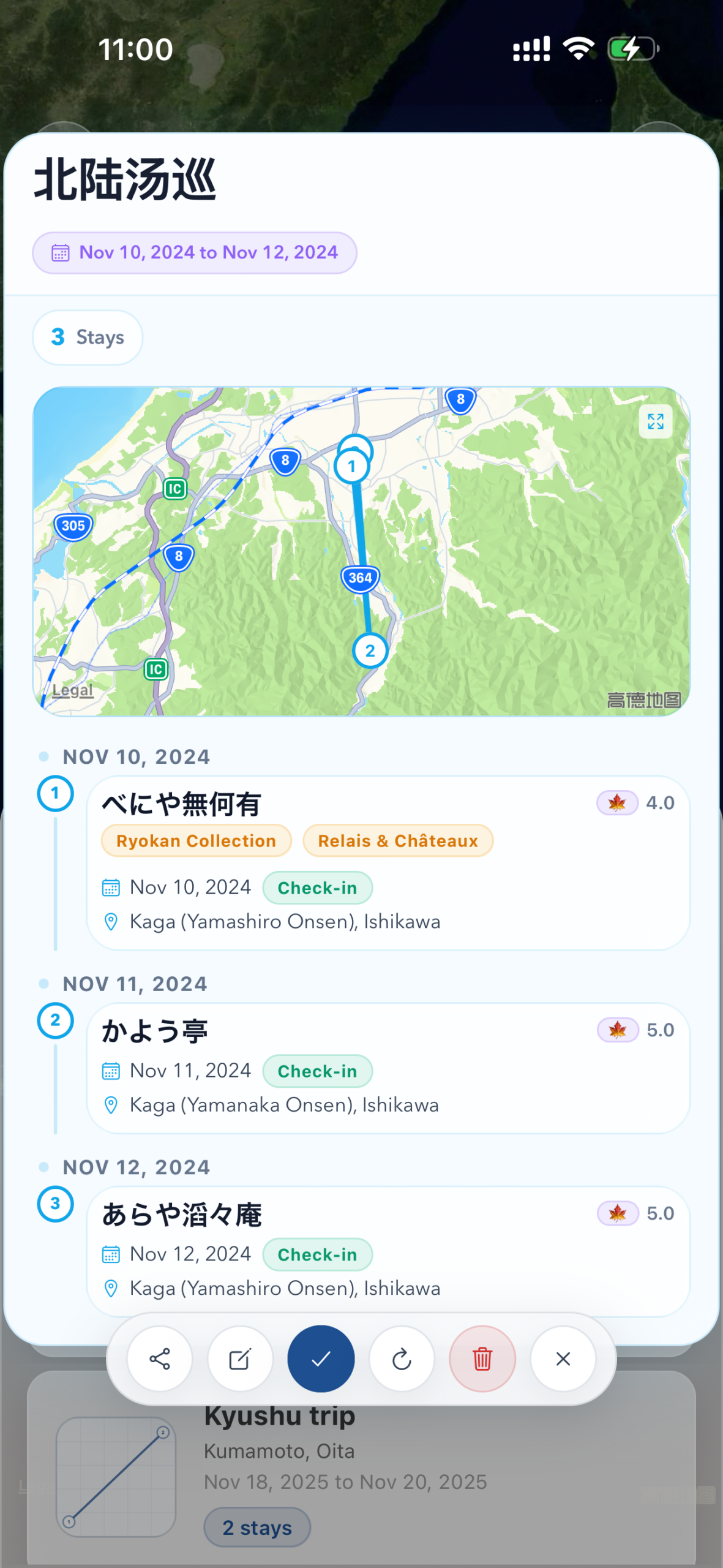

Log ryokan stays, restaurants, and attractions on a map-first home screen. Turn highlights into shareable itinerary cards.
Grouped markers for ryokans, restaurants, and attractions.
Entry list for stays, restaurant visits, and attractions.
Turn selected entries into reusable cards you can save, refresh, and share.
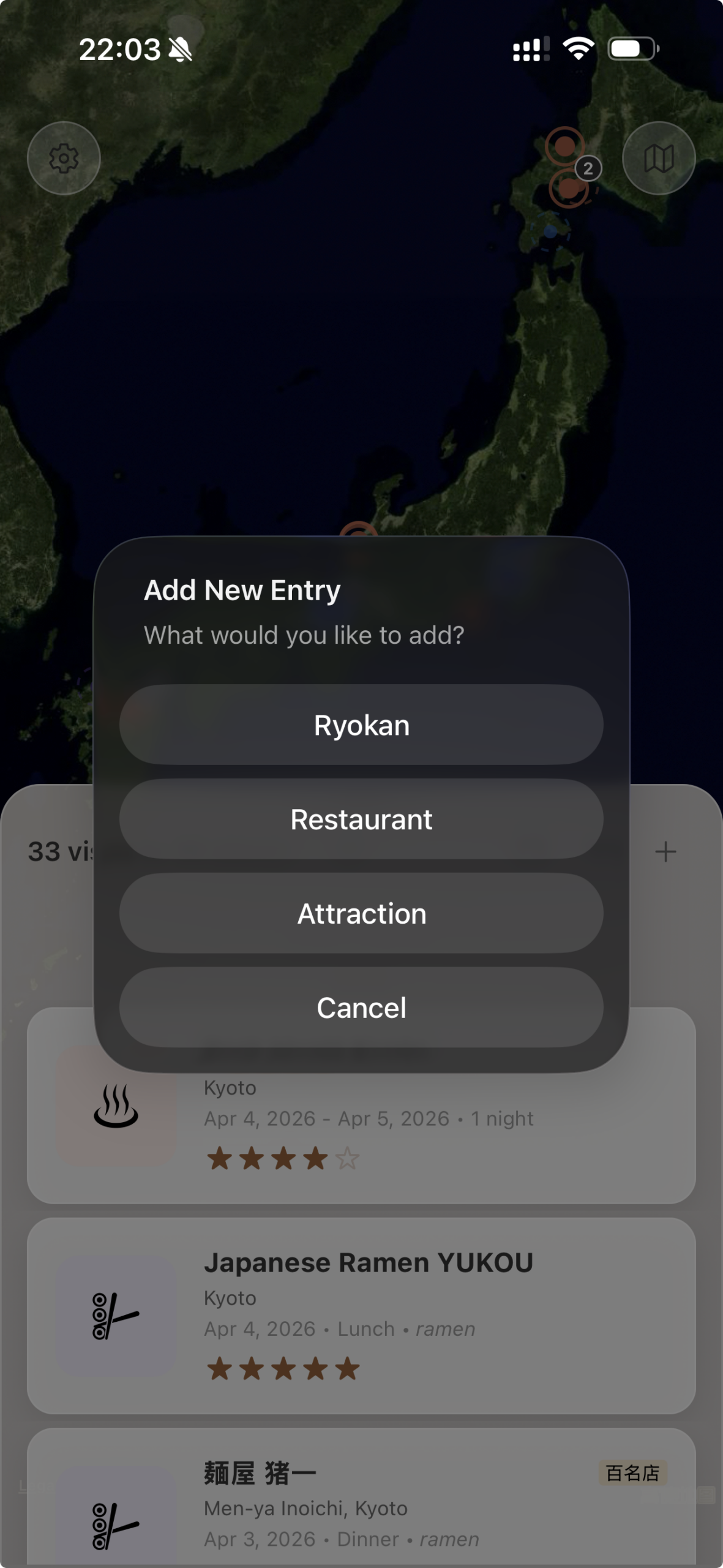
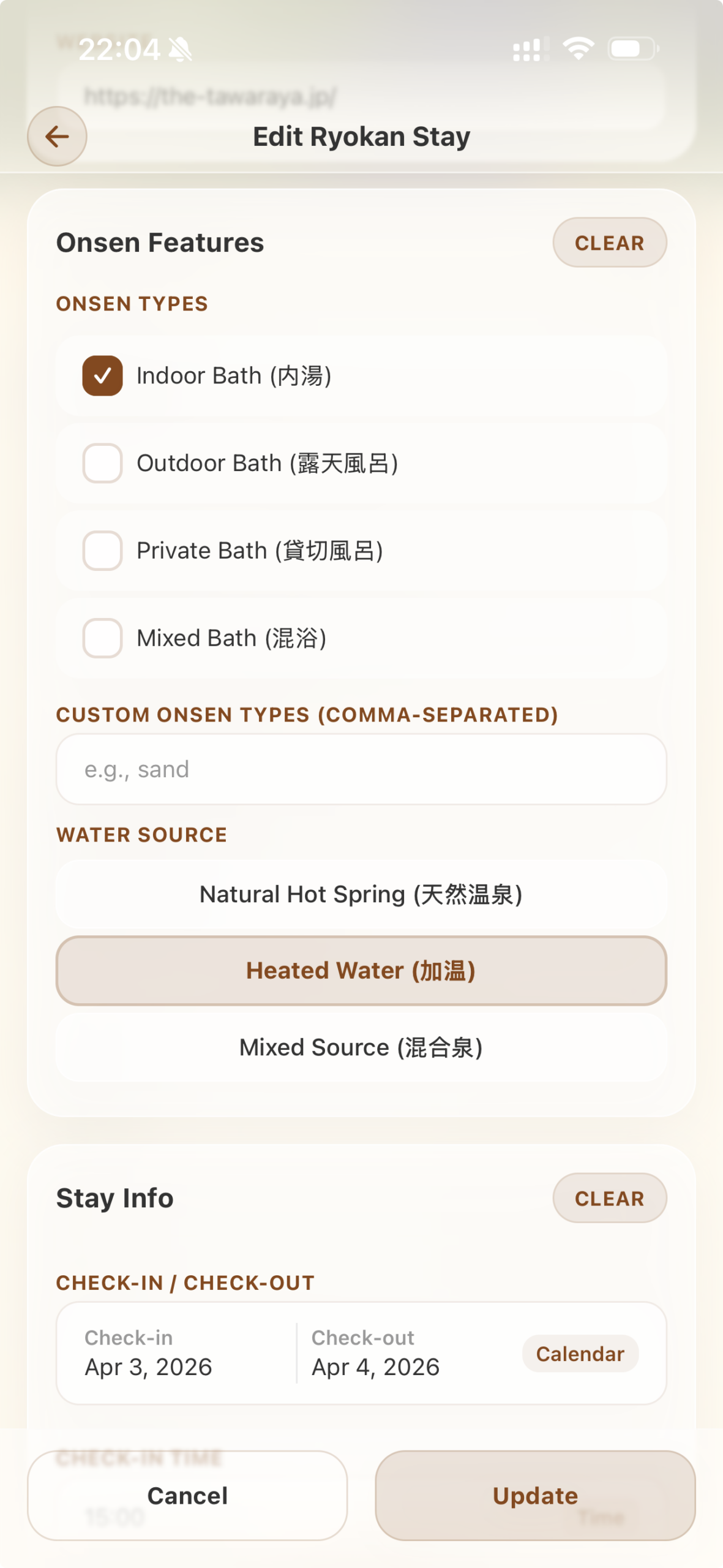
Ryokan stays, restaurant visits, and attractions — each with the fields they actually need. Room style and meal plan for stays, cuisine and dishes for restaurants, seasonal flags and categories for attractions.
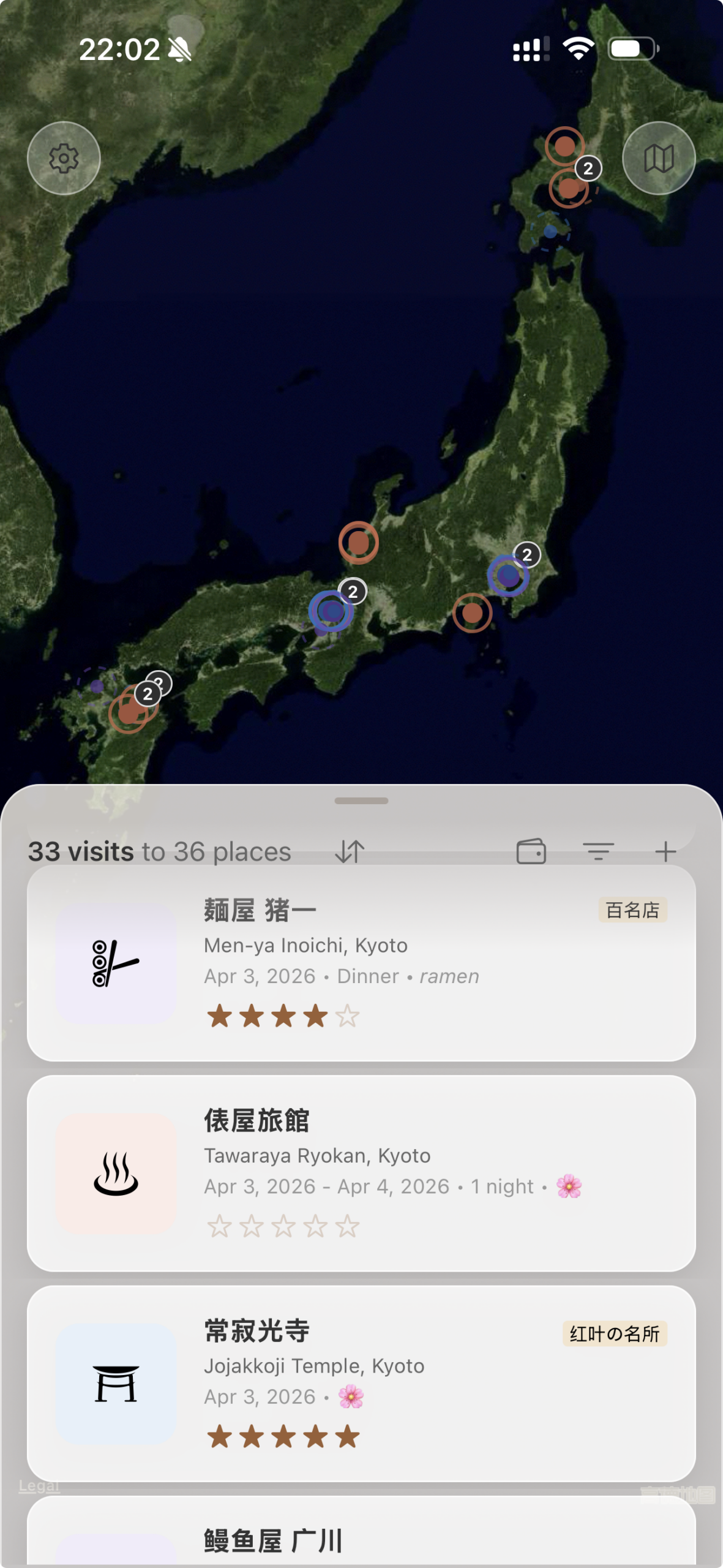
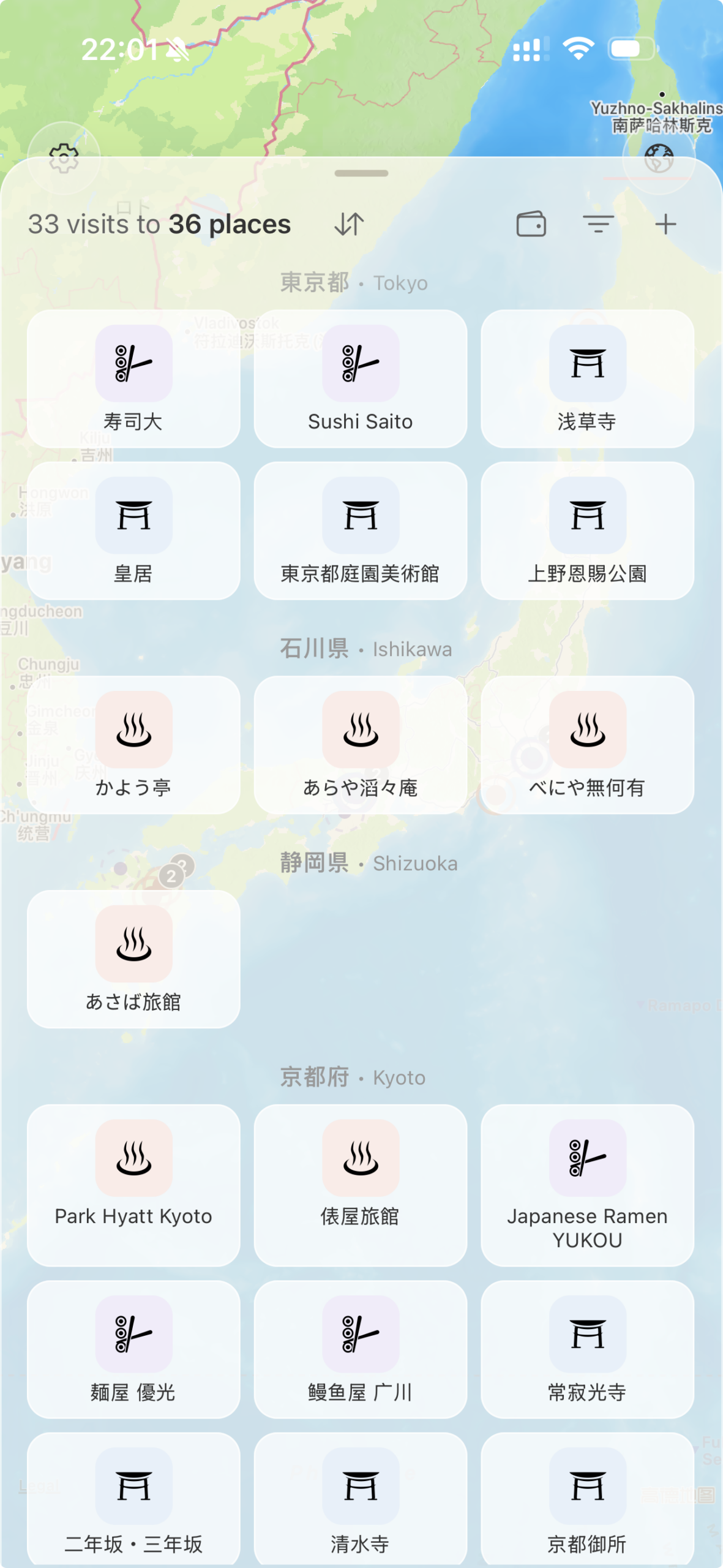
Switch between a chronological feed of every visit and a grid of every unique place you've added. The list is your travel diary; the grid is your atlas.
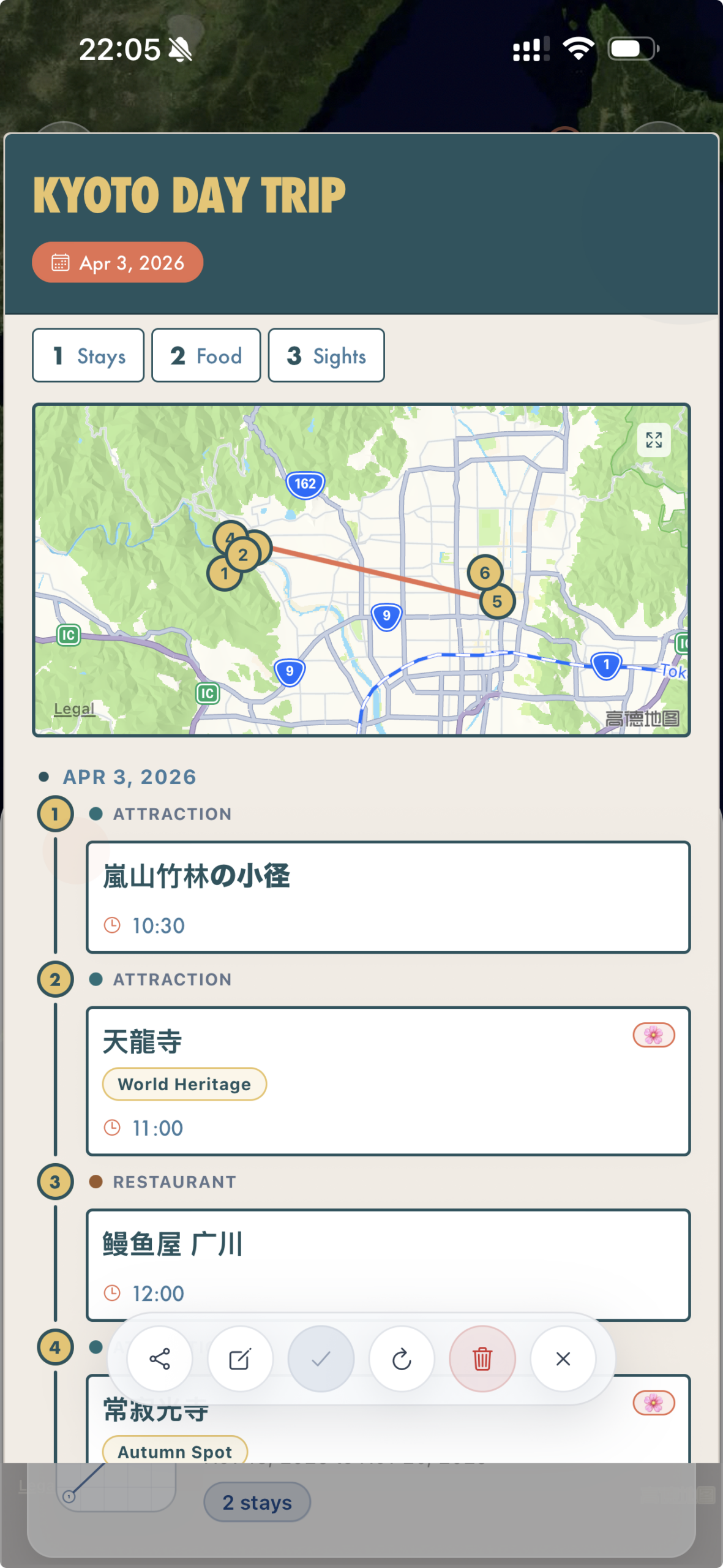
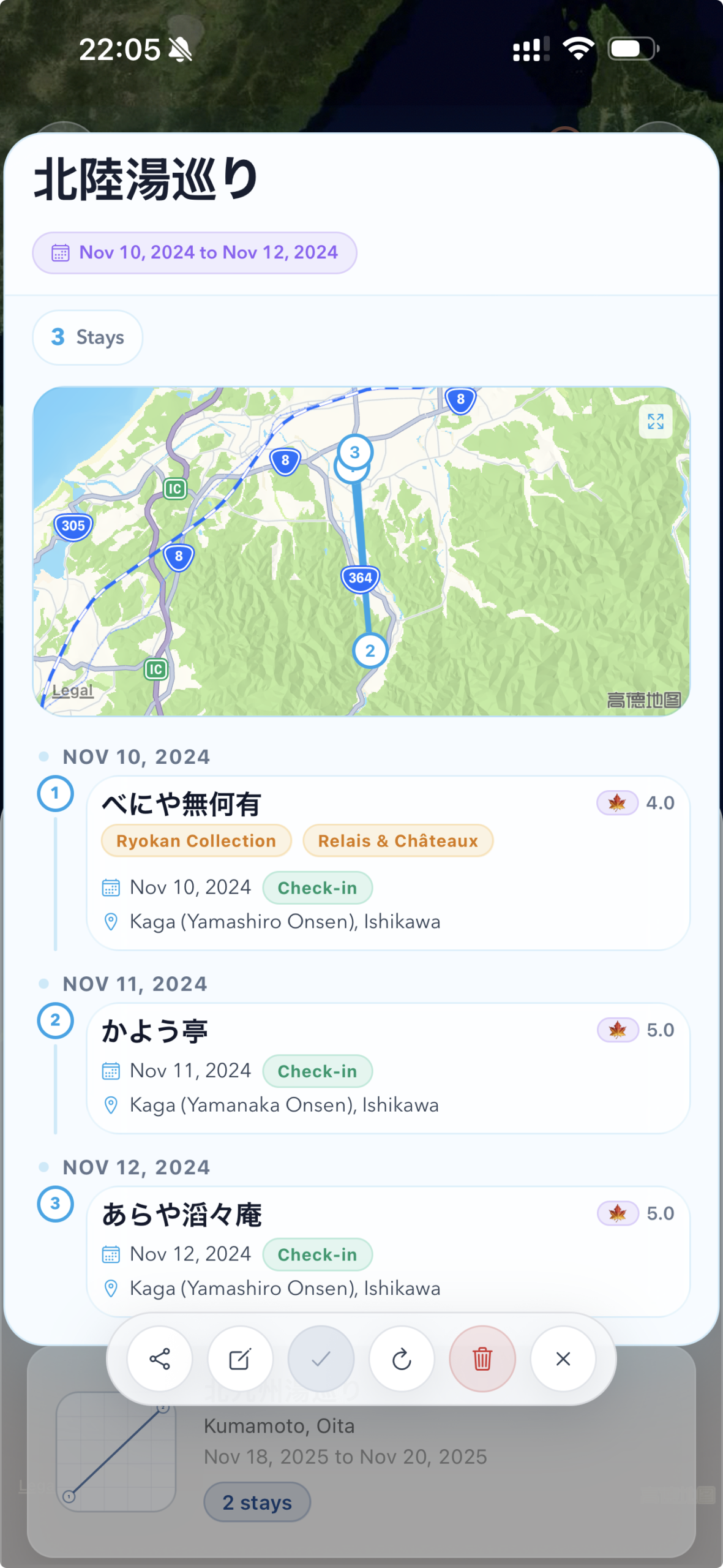
Turn selected entries into reusable cards — reorder them, hide a few, override labels, pick a design, save to your wallet. Refresh later, share as PNG, PDF, or Markdown.
Ryokan stays, restaurant visits, and attraction visits. Each has fields tailored to that experience — room style and meal plan for stays, cuisine and dishes for restaurants, seasonal flags and categories for attractions.
Select entries from the home list, reorder or hide them, override labels, pick a card design, and save to your wallet. You can refresh saved cards as you log more visits, and share them as PNG, PDF, or quick Markdown.
No. There's no account and no cloud sync. The only data leaving the device goes through the JSON backup you explicitly export from Settings.
No camera, photo-library, or current-location permissions are requested. Location services are only invoked to geocode an address you explicitly resolve when adding a place.